Delete my account and all my data
Deleting your ApplyAll account is permanent and cannot be undone.
You can easily pause or cancel your account without losing any data: https://help.applyall.com/how-to-cancel-or-pause-your-subscription
If you delete your ApplyAll account you will lose all data associated with your account including:
applications sent
email communication with recruiters
purchase history
Please export/save any data you want to keep before you delete.
Permanently deleting your account may void any guarantees made when you created your account and make it difficult to confirm your purchase.
If you want a refund, please contact the team BEFORE you delete your account.
Email team@applyall.com and we'll take care of it right away.
If you still want to delete your account and all associated data, you can do that from your dashboard.
Go to your dashboard https://applyall.com/dashboard
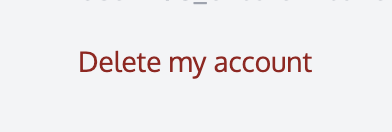
Scroll to the bottom and click "Delete my account"
Read the warning and confirm you understand that deleting your account is a permanent action which cannot be undone.
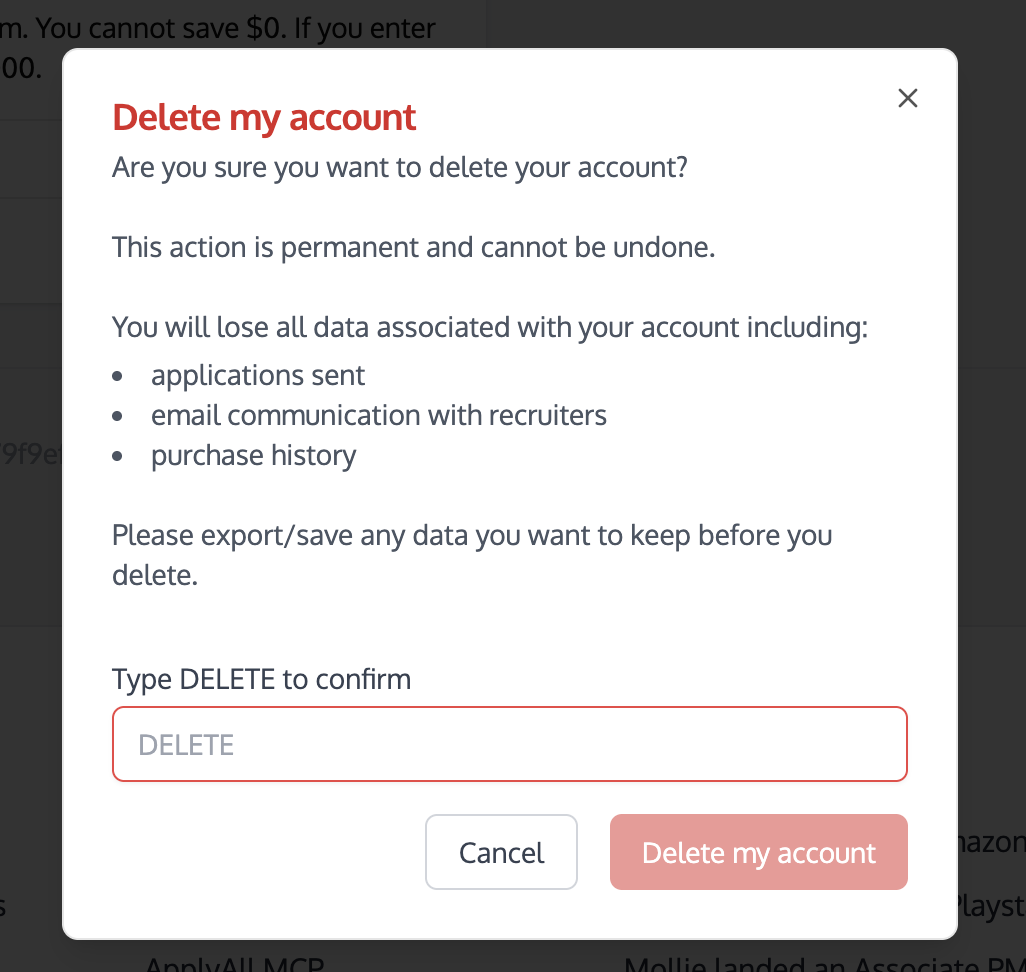
Type "DELETE" in the confirmation box and then click "Delete my account" to permanently delete your ApplyAll account.
If you just want to pause or cancel your account, read this article instead or contact our team directly at team@applyall.com and someone will get back to you right away.