How to reset my ApplyAll password?
To reset your password please use the password-reset link here: https://applyall.com/forgot-password
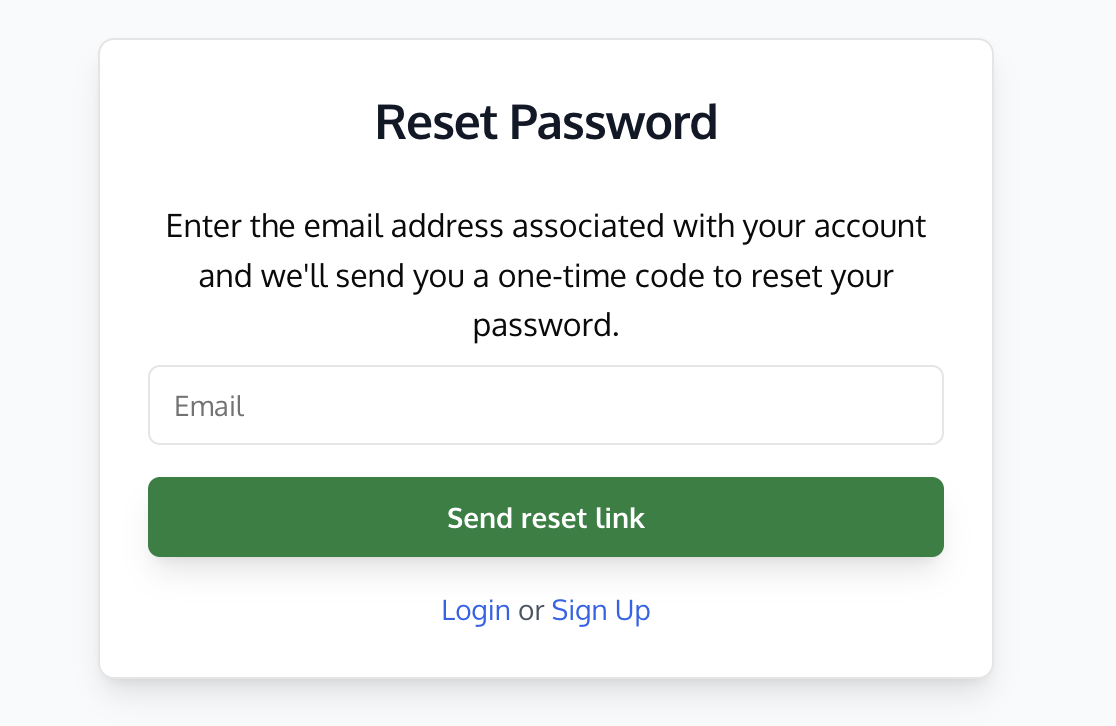
You'll be emailed a one-time passcode aka login code, usually within a few minutes. This will only work if you are using the same email you created an account with.
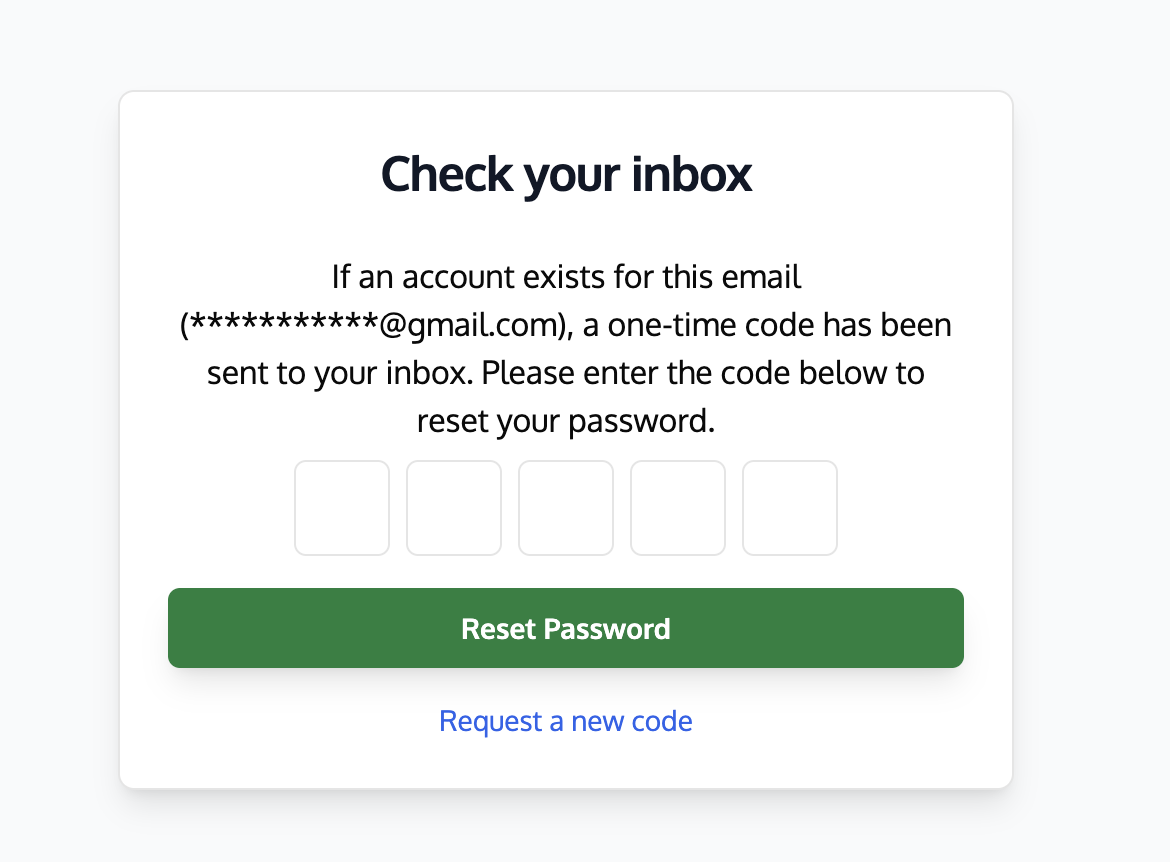
This is what the password reset email should look like:
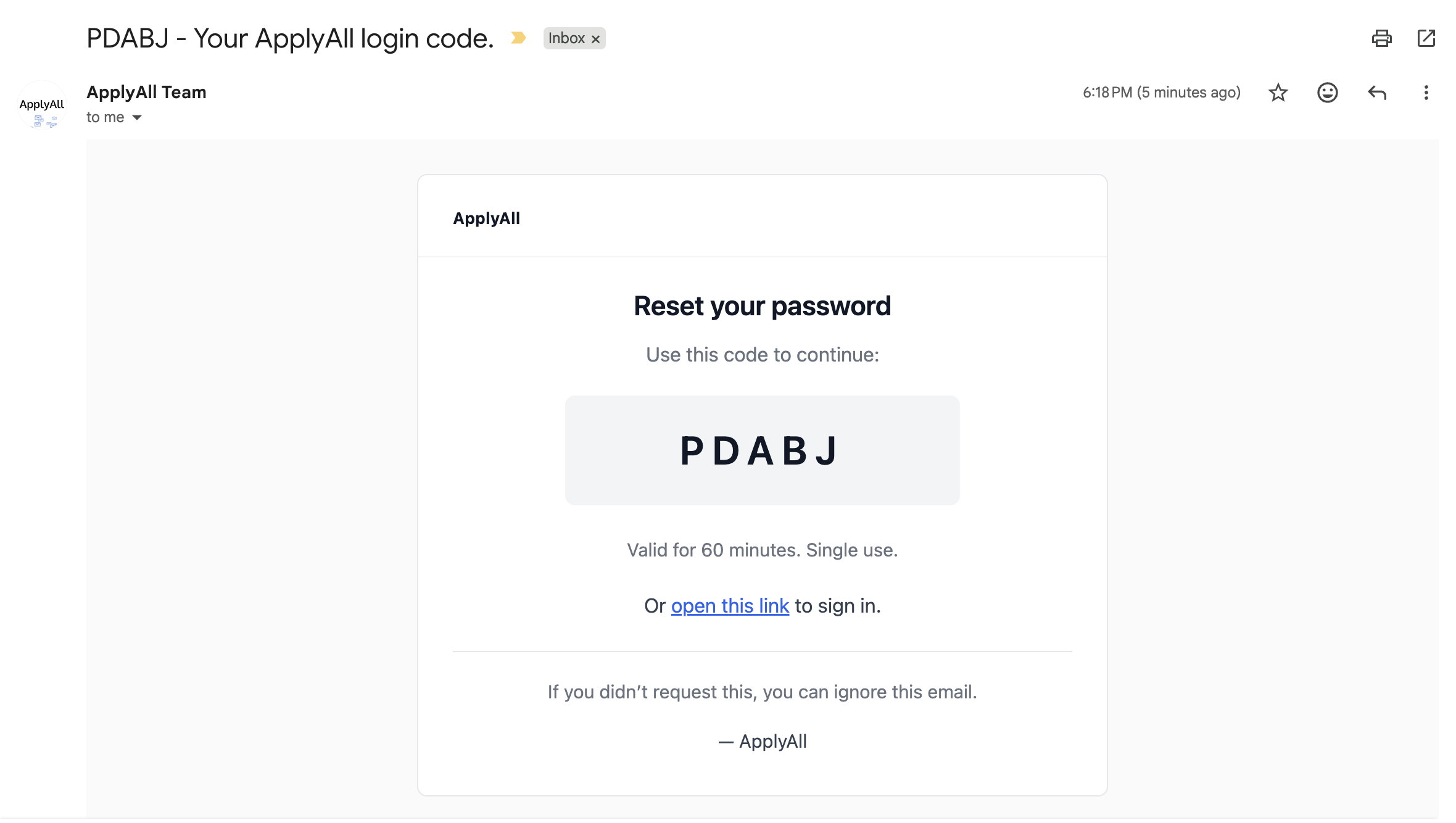
Try searching "ApplyAll login code" if its not showing up in your main inbox. The reset code may have gone to your promotions or spam folder by mistake.
If you're not sure what email you signed up with, try searching your inbox for "ApplyAll" to see if you've received any email from us in the past at that address.
Not working? Try the troubleshooting tips in this article: https://help.applyall.com/i-didnt-receive-my-login-code-one-time-passcode
Still stuck? Email team@applyall.com and we'll get you back into your account.